
Keeping device-specific fixes out of the player.
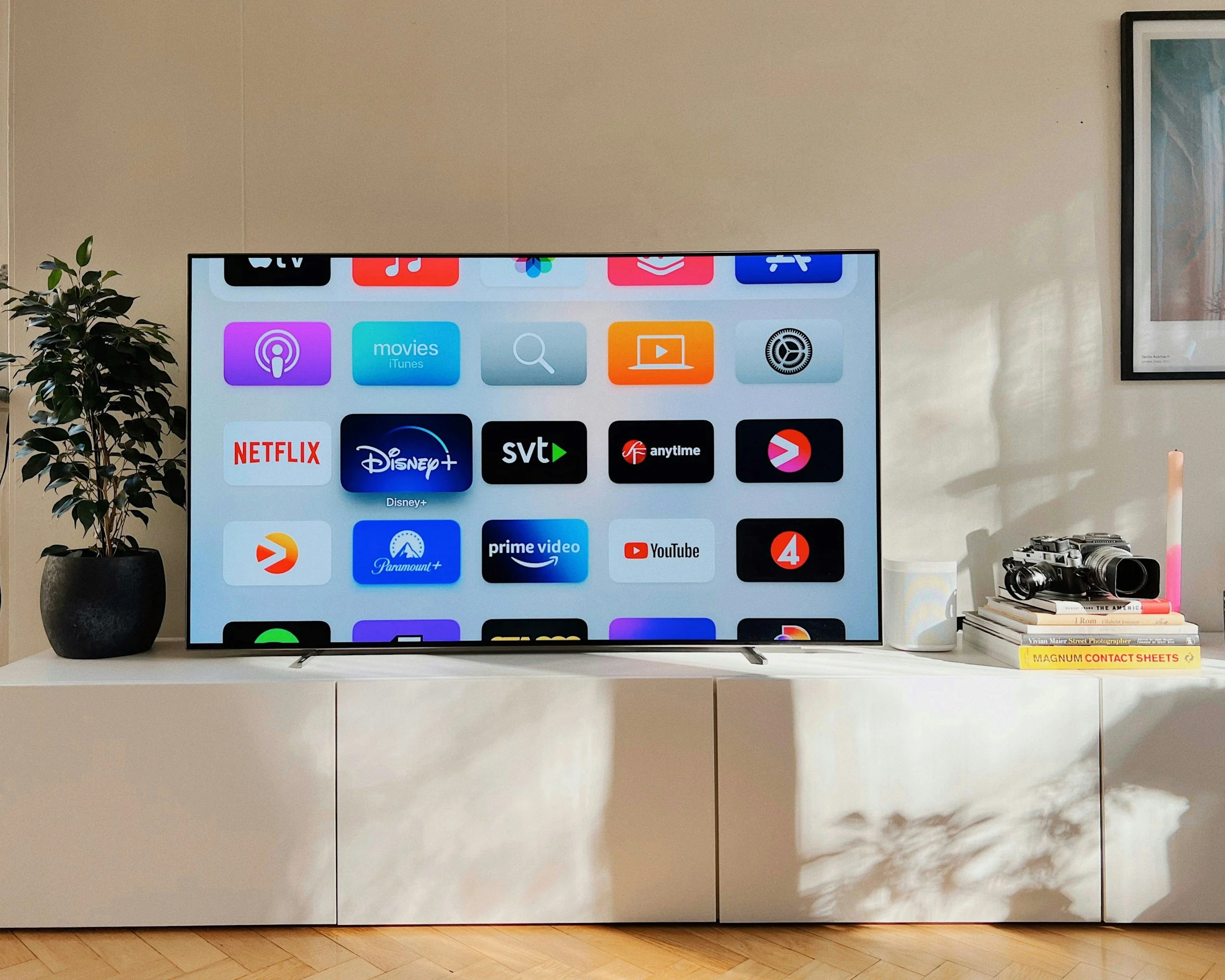
Supporting video playback across more than 100 televisions and set-top boxes means working with an enormous range of hardware.
Some devices are nearly a decade old. Others are brand new but still have limited processing power. Each platform implements web and media standards a little differently, and those differences often become apparent only after an application reaches production.
At REDspace, we’ve spent years investigating these differences and developing workarounds for individual devices. Traditionally, those solutions have lived inside the video player itself.
That approach works. But as the fixes accumulate, the player becomes harder to maintain. It also becomes more difficult to share across products that don’t need the same device-specific logic.
We recently faced this challenge while helping a client move its connected-TV applications to a shared video player. The new player was designed to support several products, so its engineering team wanted to keep it free from logic that applied only to older televisions and set-top boxes.
At the same time, we couldn’t abandon the compatibility work built into the existing player. Those fixes represented years of investigation into how individual devices behaved.
We needed somewhere else for that knowledge to live.
Moving compatibility outside the player.
The most direct solution would’ve been to port each workaround into the shared player.
That would’ve solved the immediate compatibility problem, but it also would’ve shipped connected-TV logic everywhere the player was used. Teams working on unrelated products would inherit code for devices they didn’t support.
Instead, REDspace developed a compatibility layer that runs beneath the player.
The layer acts as a polyfill for two browser APIs used in media playback: Media Source Extensions and Encrypted Media Extensions. Rather than interacting with the device’s implementation of those APIs directly, the player interacts with the polyfill.
When no workaround is required, the polyfill passes the request through to the underlying platform. When a device behaves differently, the layer can modify that interaction before it reaches the platform.
The player doesn’t need to know any of this is happening. From its perspective, it’s interacting with the media APIs it expects to find in a modern browser.
This allowed us to preserve device-specific behaviour without adding it to the shared player.
Turning device knowledge into configurable behaviour.
The compatibility layer contains a collection of behaviours that can be enabled for individual platforms.
A newer device may require only one adjustment. An older television might need more than a dozen. Each deployment includes the behaviours required for that platform instead of loading every workaround onto every device.
Some fixes change how the application interacts with a media API. Others modify the media data itself. During one live-streaming project, for example, we used the layer to address device-specific problems affecting HDR and Dolby Vision playback.
The architecture also gave us a clearer place to preserve what we’d learned.
Investigating playback failures on connected-TV devices can be slow. Many platforms provide limited logging, and engineers can’t always inspect what’s happening inside the device. Troubleshooting often means changing the input, observing the result, and gradually eliminating possible causes.
One compatibility issue took months to understand because the device effectively behaved like a black box. With more detailed internal logs, the investigation might’ve taken a week.
Once we identified the problem, however, we could turn the solution into configurable behaviour inside the compatibility layer. The next engineer wouldn’t need to repeat the same investigation.
“The player can remain focused on playback while device knowledge continues to evolve beneath it.”
“All of our knowledge is codified in that polyfill,” says Michael Cunningham, Senior Web Developer at REDspace. “Everything we’ve learned is in there as a configurable, opt-in behaviour that you might want to put on a device to fix an issue.”
The code became a record of how each platform behaved and which adjustments it required.
The polyfill also implements a defined API specification. That gives engineers a clear boundary for what the layer should do. They can work within that boundary without needing to understand the internal architecture of every player that might eventually use it.
Validating the architecture in production.
REDspace developed the first proof of concept in 2024. By the following year, the architecture was running in production across roughly two-thirds of the supported device portfolio.
The first important test was whether the shared player would work on top of the compatibility layer without requiring changes to the player itself.
“It just thought it was running in a modern web browser, which is exactly what we want,” Cunningham says.
The production results were stronger than the previous implementation. After Samsung's 2017 televisions migrated to the shared player and compatibility layer, playback sessions experiencing at least one stall fell from roughly 30% to 15%. Continued improvements have since reduced that figure to approximately 7%. Fatal playback errors also dropped from roughly 3% to less than 1%.
Similar improvements were observed on LG televisions from the 2016 through 2019 model years, where fatal playback errors decreased from roughly 8% before the migration to less than 1% afterward.
Ongoing maintenance became easier as well. Updates to the shared player rarely create playback compatibility issues because the device workarounds remain isolated beneath it.
Just as importantly, compatibility changes no longer require rebuilding and shipping a new application binary. Instead, the team can update the compatibility layer independently, reducing the effort required to support new devices and resolve playback issues. That means fixes reach viewers faster while lowering the engineering effort behind each release.
That became especially valuable while supporting live 4K video at 60 frames per second with HDR. Several devices required additional adjustments before they could play the stream correctly. In one case, we were able to add the required behaviour within a day. Without that fix, viewers on the affected platform would’ve received a lower-quality stream.
Another team within the client organization is now exploring a similar architecture for a separate product that also needs to support legacy third-party devices.
A compatibility layer won’t be the right answer for every playback system. Some open-source players already contain extensive device logic. Closed-source players may offer few opportunities to change how they interact with the platform.
But for teams maintaining a shared player across a fragmented device ecosystem, separating compatibility from playback offers another option.
The player can remain focused on playback while device knowledge continues to evolve beneath it. Years of compatibility work don’t have to follow the player everywhere it goes.
